The glance, the day's pages, the walk with its route line, the functional tests and the code entry — every screen explained, and what to do when something is off.
The app opens with START from the activity list. Inside, UP and DOWN page through; a long UP opens the tests and the code; BACK leaves.
The screen takes touch, and all of that works with a finger too: swiping up and down pages, a tap picks a menu item, in the code entry a swipe changes the digit and a double tap moves to the next one. The buttons stay — with gloves or wet hands they are the safer road, and on a walk that is not a detail.
The pages form one round: the idle screen → the route line (when a route is assigned) → one page per event of the day that is still ahead. The round turns by itself every five seconds; any press stops it for half a minute, and during a recording it does not move at all — the figures must not slide away under the guest's eyes.
The glance
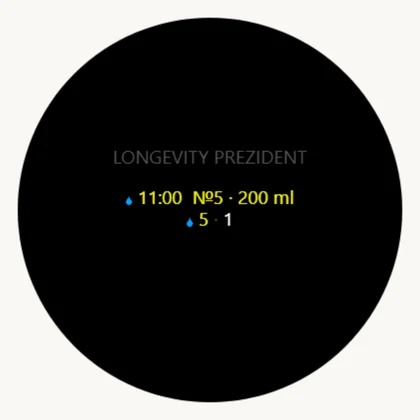
A strip in the glance loop, one swipe down from the face: what is due next and the whole day below. A press opens the app.
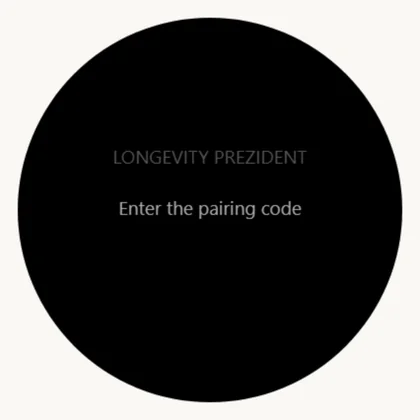
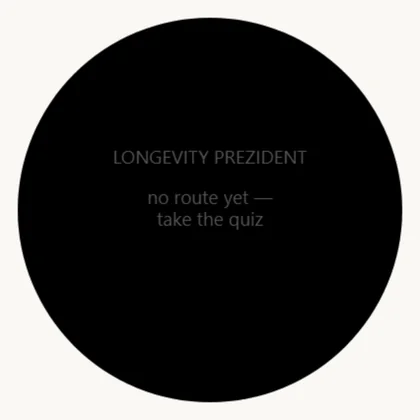
What is next, and the whole day on the line below×The watch is not linked to a cabinet×No quiz taken — nothing to show×
The idle screen
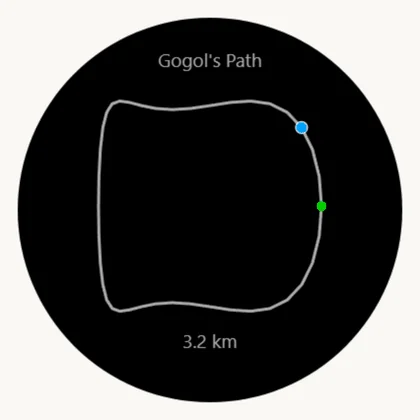
Line
What it means
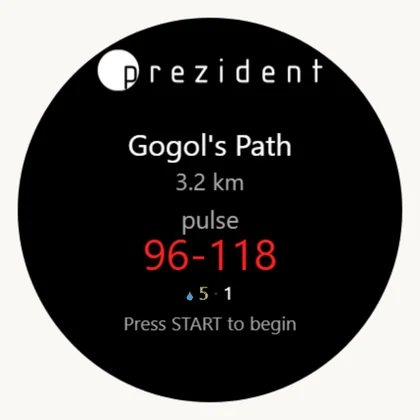
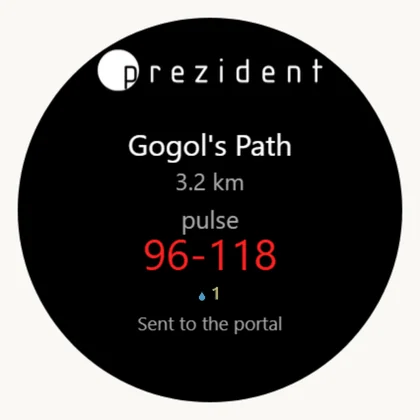
Route name
Assigned for today, from the portal.
Kilometres
The route's length.
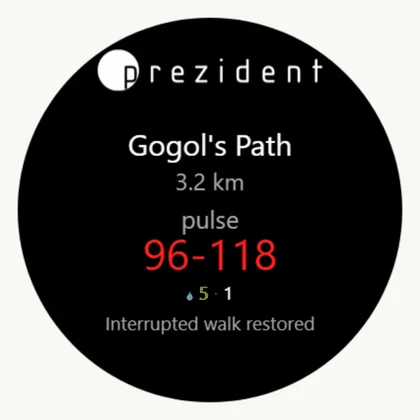
«pulse» and the large figures
The target corridor, the same one as on the face.
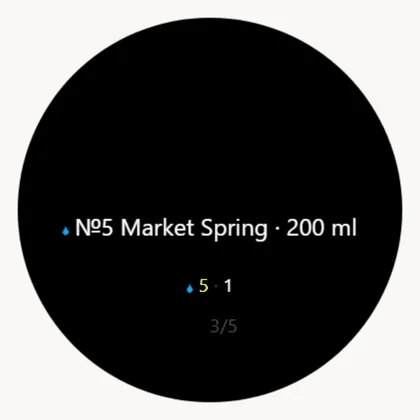
The drop and numbers
The cure's servings still ahead.
The bottom line
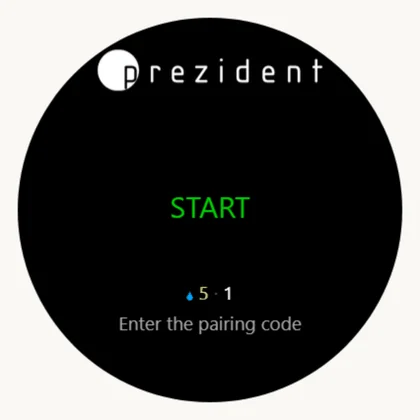
«Press START» — or the status of the last action.
Status
What happened
What to do
«Sent to the portal»
The walk arrived.
nothing
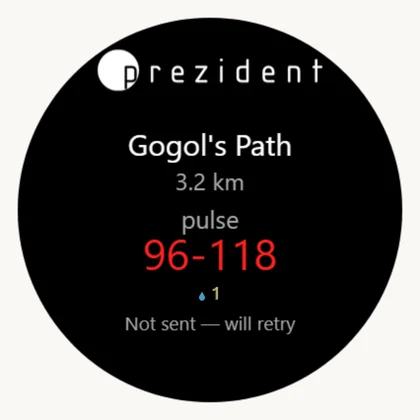
«Not sent — will retry»
No phone nearby or no data. The walk is saved and queued.
bring the phone close; the watch sends by itself, retrying every five minutes
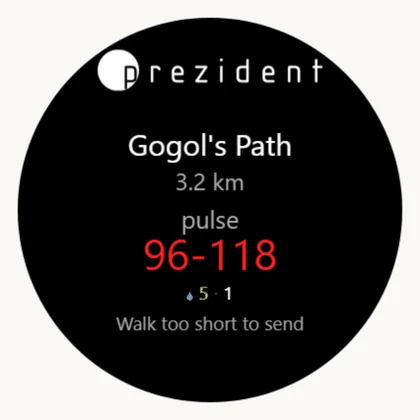
«Walk too short»
Below the minimum — it does not travel.
nothing
«Interrupted walk recovered»
The app died mid-walk; the recording was found in memory and queued.
nothing
«Enter the pairing code»
The watch is not linked to a cabinet.
see the last section
Route, corridor, servings and the prompt×Not paired: START opens the code entry×The walk reached the portal×No phone nearby — the walk waits in the queue×The walk was shorter than the minimum×An interrupted walk was found in memory×
The day's pages
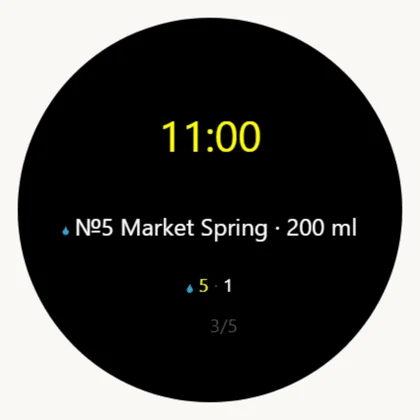
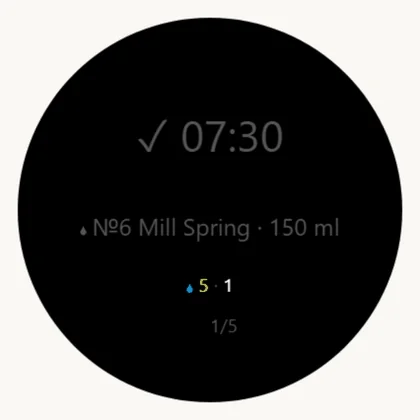
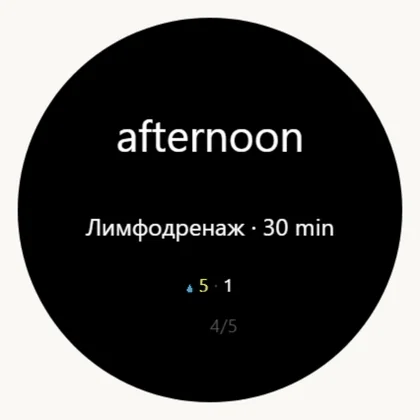
One page per event: the hour large, what it is below it, then the whole day as numbers and a page counter. The colours are the face's.
Reminders. Thirty, twenty and ten minutes before a serving the watch buzzes once, the page jumps to that event and the time blinks for about fifteen seconds. Three reminders and no more: a watch that nags every minute is left in the room — and that costs every measurement, not just the reminder.
Buzzing is only possible while the app is open: Garmin gives a watch face no vibration at all. Waking the app from the background is allowed, and that is what carries the reminders when nothing is on screen.
A serving: the hour large, the drop before the name×Already drunk: ticked and grey, not dropped×A procedure: a slot instead of an hour×A reminder: the time blinks, this is the dark half×
Does it have to be opened for a walk at all
The short answer is no. The guest can press «Start» on the phone and simply walk — nothing is lost.
The watch records pulse, steps and floors always, without a single press: that is its own round-the-clock log, and it reaches the portal through the Garmin cloud. Meanwhile the phone guides along the route and records the track. When the walk's card is opened, the portal matches a pulse to its window by itself — first looking for the watch's own recording, and falling back to the day's curve.
Phone only
Phone and the watch app
Route, track, distance, time
yes
yes
Pulse on the walk's card
yes, from the day curve — a point every couple of minutes
yes, second by second
A separate activity in Garmin Connect
no
yes
«Off the route» on the wrist
no
yes
If the phone dies or is lost
the walk is lost
the watch delivers its own
Hence the house rule: for an ordinary guest on a stay the phone is enough — their day is fully measured anyway. The watch app is worth opening when the walk matters in itself: a two-hour longevity route, a before-and-after measurement, a long trail with no phone in hand. Second-by-second pulse and a real activity are what it adds.
What a phone can never do: pulse, steps, floors, stress, energy. It does not measure them — the watch does, and does it either way. The full list is what the watch sends.
Recording a walk
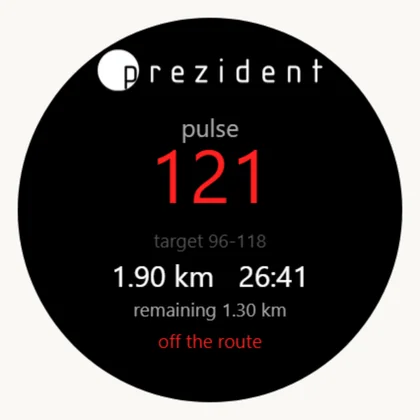
START begins, a second START ends it and sends. The walk is recorded as an ordinary Garmin activity — it reaches Garmin Connect too — and its track goes to the portal.
On screen
What it means
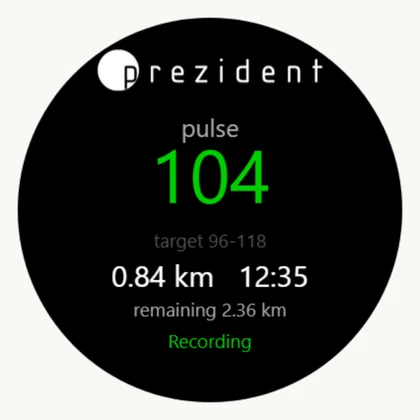
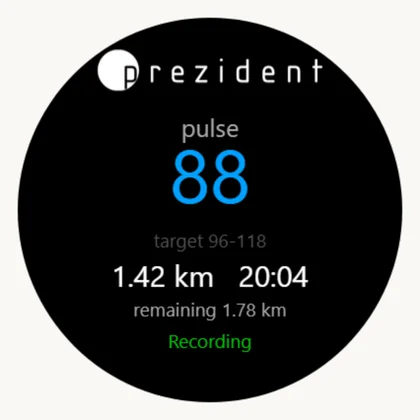
The large figure
Current pulse. Blue below the corridor, green inside, red above.
«target 96-118»
The same corridor.
«0.84 km 12:35»
Covered, and how long it has been recording.
«remaining 2.36 km»
How much of the route is left — the one number a Garmin course had and we did not.
«Recording»
Green while all is well.
«off the route»
Red, and above the words a red arrow to the line with the metres to it. The arrow turns with the guest's walking: up is straight on, down is turn round. A departure is more than 40 m from the line on three checks in a row, about 15 seconds, so a signal bounced off a house front raises no alarm. Then the watch buzzes, and again for every further 75 m the guest walks away. Back on the route counts from 30 m.
A green arrow and metres
The guest has not reached the route yet: the arrow leads to its start, not to its nearest point — the hotel's routes are nearly all loops. No buzz, and no «left the route» mark for the doctor.
A yellow arrow and «35 m»
A turn ahead and the metres to it along the line. Forty metres before it the watch gives a short buzz; the last such mark is the finish flag.
«Pulse high — ease off»
A prompt in place of «Recording»: half a minute above the corridor — a buzz; three minutes below — a short tap and «Pulse low — a little faster». At most once in five minutes.
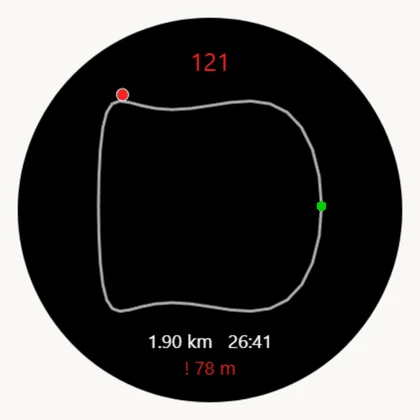
A page of its own carries the route line: the line, a green start dot and the guest's dot (blue on the route, red off it). The walked part goes dark; ahead the line is white, with arrows showing which way round a loop goes. The next turn is a yellow dot, the guest's dot carries a tick in the direction of walking, and off the route a dashed line runs to the line (red) or to the start of the route (green), with the metres below. There is no base map — these are not mapping watches — but a line and a dot answer the only question a walker has: am I on it?
The route line: green start, blue walker×Recording, pulse inside the corridor×Pulse below the corridor — the figure turns blue×Off the route: this outranks the word «recording»×The same minute on the map: red dot, metres to the line below×
The code, the menu and the tests
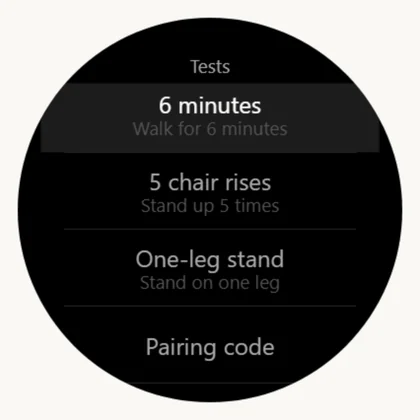
A long UP opens a flat menu: three tests and the code entry. Flat on purpose — a submenu is tidier on paper and one press worse in a corridor, and this menu is opened by a guest in their seventies holding a chair with the other hand.
Test
What the guest does
What is measured
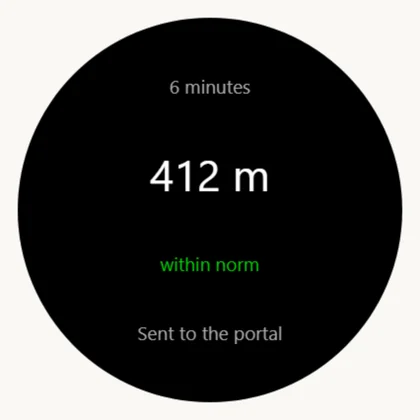
6 minutes
Walks for six minutes at their own pace.
The distance covered, in metres.
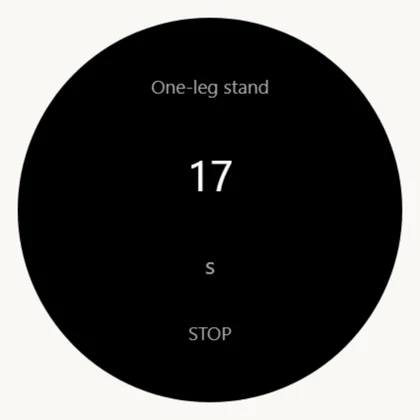
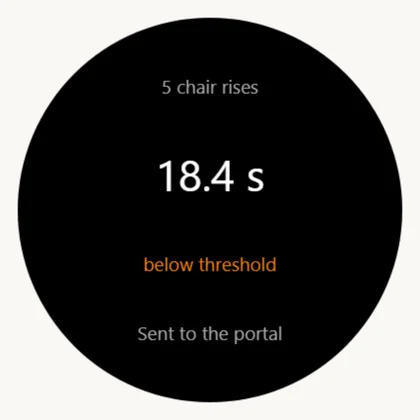
5 stands
Rises from a chair and sits down five times.
Seconds for five rises; the watch counts them.
One-leg stand
Stands on one leg as long as they can.
Seconds until balance is lost.
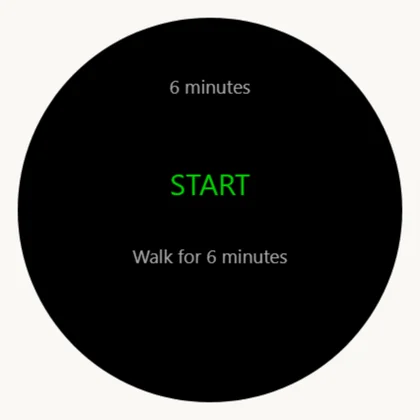
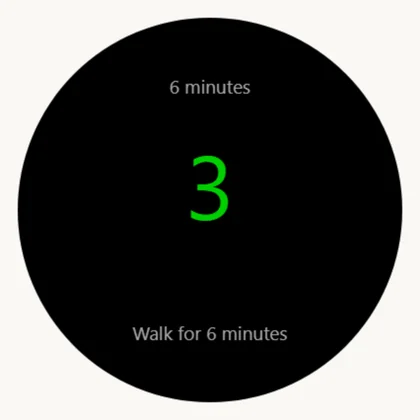
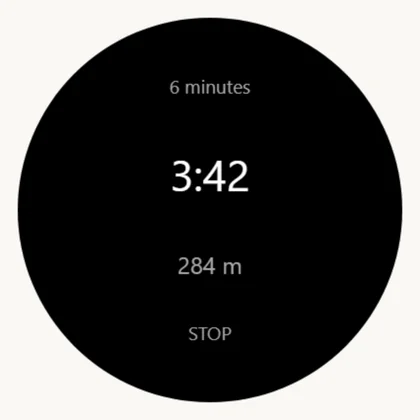
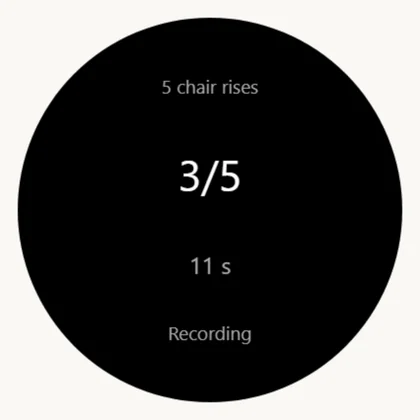
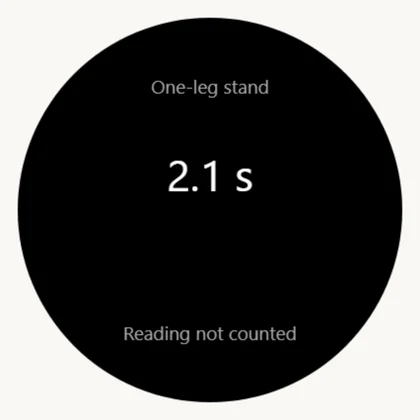
A countdown runs before each test, so there is time to stand up. The result goes to the portal and comes back with a band: «within norm», «good» or «below threshold» — orange, but never a diagnosis. A failed reading says «Reading not counted» and can be repeated on the spot.
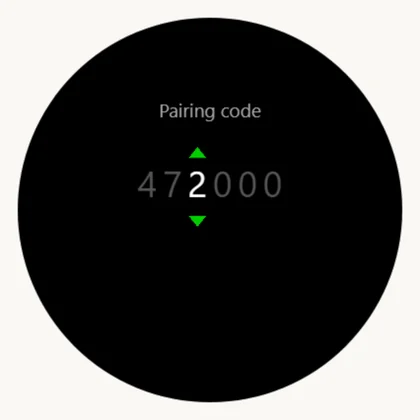
Code entry: six wheels, UP/DOWN turn one, START moves on×Long UP: three tests and the pairing code×The test is chosen and waits for START×The countdown before it starts×Six minutes: time left and distance covered×Five stands: the watch counts the rises itself×One-leg stand: it never stops by itself×The result and what the portal said about it×Below the threshold — orange, but never a diagnosis×Reading not counted: repeat it right here×
What travels, and when
Who
What
How often
The face
Asks for the route, the day and the interface words.
every half hour; every five minutes while there is nothing to show
The app
The same, plus the route line.
on opening
The app
Sends the recorded walk.
right after STOP; if it fails — queued, retried every five minutes
The app
Sends a test result.
the same
The app
Raises a reminder about a serving.
checked every five minutes while the day has something ahead
Both
Ask «whose watch are we» when they hold no code.
every half hour
All of it travels through the kit's phone over Bluetooth. With no phone nearby the watch keeps showing yesterday's data and keeps collecting walks — nothing recorded can be lost.
When something is off
What is seen
What it is
What to do
«Enter the pairing code» after an update
A store update is a reinstall; the memory went with the code.
Nothing: the app asks the portal by its device handle and gets the code back within half an hour. Still asking an hour later — enter it once, and this watch is known to the portal for good.
«no route yet» on the face
No quiz taken, or the kit is issued to nobody.
Take the quiz in the cabinet; check the desk.
A glance but a stock watch face
Ours is not selected.
Hold UP → Appearance → Watch Face.
No glance at all
Connect IQ glances do not join the loop by default.
Hold UP → Appearance → Glances → Add.
«watch has not answered» in the panel
The kit's code is missing on the watch, or another guest's code is in it. The flag belongs to the code, not to the watch.
Enter the kit's code and open the app once.
The walk never reached the cabinet
The watch says «Not sent — will retry»: no phone was near.
Bring the phone. Nothing is lost.
A red pulse on a resting guest
Correct: red is the pulse's colour when there is no verdict, and the corridor is priced on walking.
Nothing.
The face reverted to a Garmin one
The system took it down — usually memory or burn-in.
Choose ours again; if it repeats, that is a bug and not a setting.